citizenkidd
League 2
- 28 August 2021
FIFA 16 AttribDB Editor v2.5.0
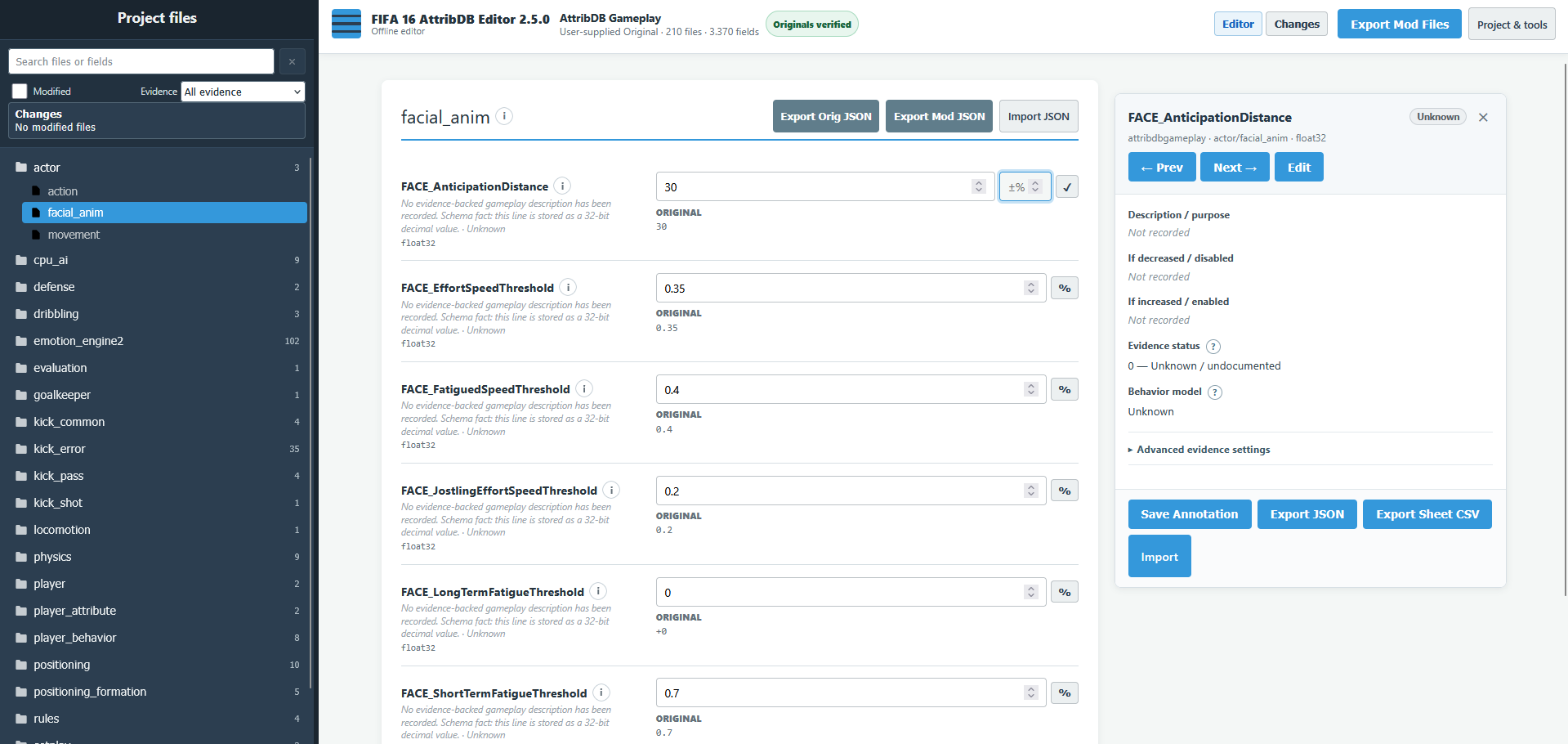
Offline browser editor for FIFA 16 attribdb and attribdbgameplay.
No installation or online uploads — editing happens locally on your PC.
DOWNLOAD
Offline browser editor for FIFA 16 attribdb and attribdbgameplay.
No installation or online uploads — editing happens locally on your PC.
DOWNLOAD
Features
- Presets for AttribDB and AttribDB Gameplay.
- The navigator searches files and fields, filters modified or evidence-status rows, shows modification counts, remembers folder expansion and sidebar width, and supports keyboard tree navigation.
- The dedicated Changes workspace shows original-to-current summaries, exact field navigation, and complete-field revert.
- Standardized scalar, Boolean, vector, matrix, array, curve, and read-only controls provide original context, validation, deviation badges, and exact revert behavior.
- Edit numbers, switches, arrays, vectors, matrices and float curves with rejection of malformed, blank, non-finite, and unsafe values plus communicated integer clamping.
- Float32 editing preserves signed zero, infinity, and NaN payload bits.
- A float32 field with value positive zero now shows 0 in the numeric input instead of a blank field, while signed-zero formatting is preserved.
- The editor is rebuilt on a modular, dependency-free architecture with no build step, and numeric values are strictly validated before any byte is written.
- Research Mode opens in the integrated editor side pane with fact and edit views, local evidence records, and JSON or Sheet-compatible CSV exchange.
- JSON imports are transactional, and folder JSON ZIP export is generated locally for offline use.
- Optional dependency-free Hover tooltips cover static and dynamically rebuilt controls. They are Off by default; enable them under Project & tools → Preferences. Hover shows after 1000 ms and keyboard focus after 200 ms.
- Validation blocks wrong, damaged or mismatched BIN/VLT pairs.
- Export Mod Files exports the preset-derived pair without overwriting imported files.
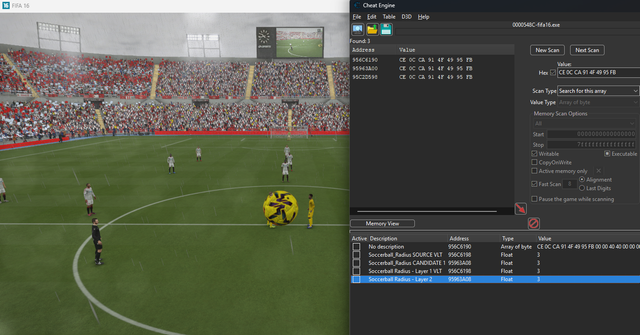
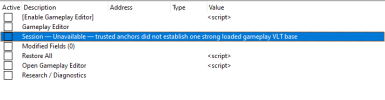
- Optional Gameplay Editor files are included for Cheat Engine: enable the generated table after FIFA 16 is running to index mapped runtime Float fields for the current FIFA session.
Original files
Original FIFA 16 BIN/VLT files are required and are not included.
The editor verifies them locally before editing.
Chrome/Edge: You can remember a folder with this structure:
Code:
root/
├── attribdb/
│   ├── attribdb.bin
│   └── attribdb.vlt
└── attribdbgameplay/
    ├── attribdb.bin
└── attribdb.vltQuick start
- Download and extract the ZIP; keep all included files together.
- Open attribdb_editor_final_v2.html.
- Choose a preset and provide its matching original pair.
- Optional: use Load Existing Mod after the original is verified.
- Edit values, then use Export Mod Files.
- Back up your game files before installing the exported pair.
- Optional: for runtime Float research/editing, open Gameplay Editor/fifa16-gameplay-editor.ct in Cheat Engine and use Restore selected or Restore All before closing.
Current behavior: JSON imports validate before changing working data. A current-file import is all-or-nothing, folder imports are atomic per JSON file, and folder JSON ZIP export is generated locally without an internet connection. The optional Gameplay Editor is separate from the browser editor: it has no fixed addresses, indexes only the current FIFA process/session, exposes only mapped runtime Float fields, and must be re-enabled or reindexed after FIFA restarts.
License: PolyForm Noncommercial 1.0.0 — noncommercial use, modification and redistribution are allowed; selling or monetising the tool or derivatives is not.
Credits: Based on the original editor by vivianroberto. v2 improvements by CaptainKidd and AI Agents.
Support: Report bugs on GitHub or reply in this thread.
Last edited: