Hels The Ronin
Champions League
- 15 November 2019
- Team
- Celta de Vigo / Barcelona
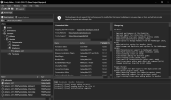
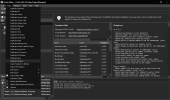
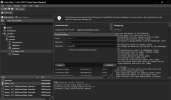
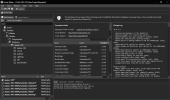
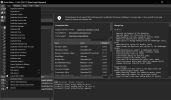
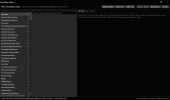
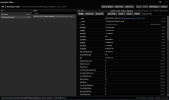
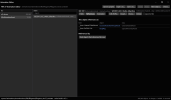
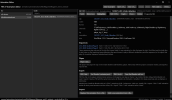
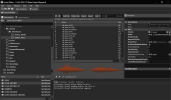
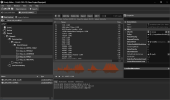
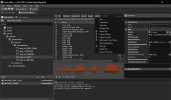
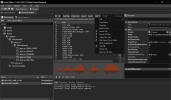
Hello, people! I bring you some news from Vivian with his plugins for Frosty Editor. Will give you here the instructions to use.
<<Here we go. New era of modding for FIFA 17.
1. Stadium duplication/addition/import.
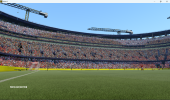
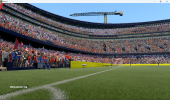
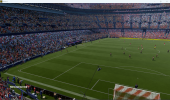
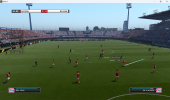
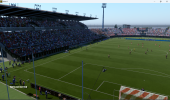
One of the main features with this release is the ability to add new stadiums into the game. You can also import converted PES 2021 stadiums(the conversion can be done with my private tool that I will share at some point). The game can effectively have unlimited stadiums now. Also the composite mesh import is fixed too.
2. Animation Editor(beta).
Ability to export and import the animations, as of right now this is in the beta state. The animations system in the game is very complex so building a proper editor is a very long and hard process, nevertheless this is the first step towards that.
3. Extensive sound editing
Ability to add commentary to the game, and mod all sound files. This includes adding new player call names/announcer audio.
4. Bulk import/export of assets, Duplication
Allows to bulk import and export multiple assets, also added the ability to add more assets into the game such as tattoos for example.
In the below posts I will be describing each feature and how to use them.
You can download the tool below: https://github.com/sadistaaa14-sketch/Frosty-Toolsuite-FIFA-17-edition/releases/tag/3.0>>
<<Here we go. New era of modding for FIFA 17.
1. Stadium duplication/addition/import.
One of the main features with this release is the ability to add new stadiums into the game. You can also import converted PES 2021 stadiums(the conversion can be done with my private tool that I will share at some point). The game can effectively have unlimited stadiums now. Also the composite mesh import is fixed too.
2. Animation Editor(beta).
Ability to export and import the animations, as of right now this is in the beta state. The animations system in the game is very complex so building a proper editor is a very long and hard process, nevertheless this is the first step towards that.
3. Extensive sound editing
Ability to add commentary to the game, and mod all sound files. This includes adding new player call names/announcer audio.
4. Bulk import/export of assets, Duplication
Allows to bulk import and export multiple assets, also added the ability to add more assets into the game such as tattoos for example.
In the below posts I will be describing each feature and how to use them.
You can download the tool below: https://github.com/sadistaaa14-sketch/Frosty-Toolsuite-FIFA-17-edition/releases/tag/3.0>>